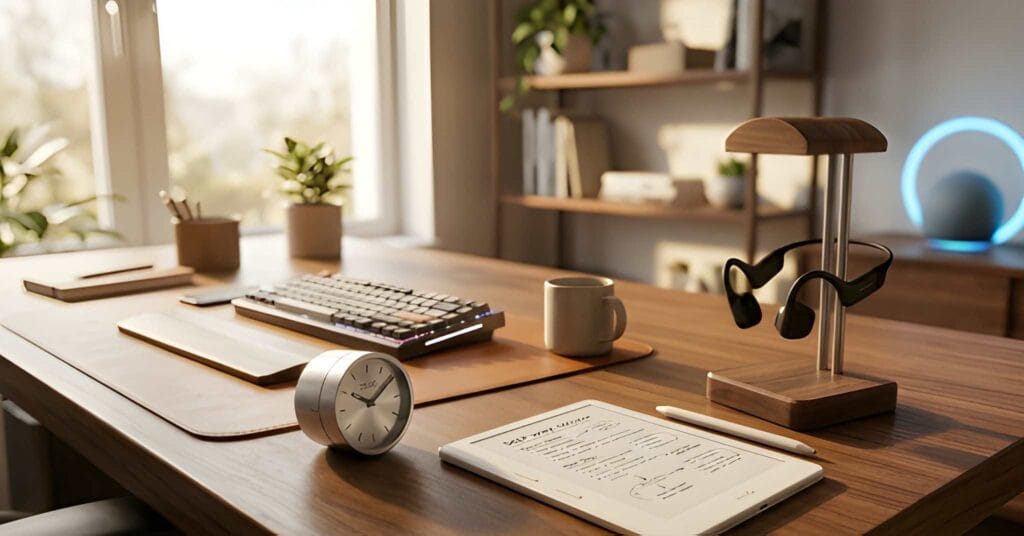
Digital mindfulness means using phones, computers, apps, and online services with more intention and less automatic checking. It is not about deleting every social platform, abandoning useful technology, or forcing yourself through an extreme digital detox.
The goal is simpler: notice what repeatedly pulls your attention, remove unnecessary triggers, and create clearer moments for work, rest, conversation, reading, and sleep.
You do not need expensive headphones, a new tablet, a smart-home system, or a productivity gadget to begin. Most useful changes start inside the notification settings, home screen, physical environment, and daily routine you already have.
Wellness note: Digital mindfulness may support a calmer and more intentional routine, but it is not a treatment for anxiety, depression, ADHD, burnout, sleep disorders, or compulsive behaviour. Seek qualified support when technology use is causing serious distress, affecting safety, or interfering with work, relationships, sleep, or everyday functioning.
Research note: This guide is based on published research into digital interruptions and practical features already available on modern phones and computers. Digital mindfulness is not one standardized clinical protocol, and no single notification setting, focus mode, or screen-time target works for everyone.
Quick Verdict: What Makes Digital Mindfulness Work?
Digital mindfulness works best when it changes the environment rather than relying only on willpower.
Start with these four moves:
- turn off notifications that do not require an immediate response;
- remove distracting apps from the first home screen;
- create at least one phone-free place or time of day;
- decide what you will do instead of opening a feed automatically.
A focus mode, timer, app blocker, alarm clock, paper notebook, or e-reader may help later. However, a tool is useful only when it supports a specific rule you have already decided to follow.
What to skip: complicated productivity systems, fear-based “dopamine detox” claims, products promising to repair attention, and gadgets that simply add another app, score, or notification.
What Is Digital Mindfulness?
Digital mindfulness is the practice of noticing how, when, and why you use technology before acting automatically.
For example, there is a difference between opening your phone to check a train time and unlocking it without knowing why. There is also a difference between deliberately watching one useful video and spending forty minutes moving through recommendations you never planned to open.
The central question is:
Did I choose this digital action, or did a cue choose it for me?
Common cues include:
- a notification sound;
- seeing the phone on the table;
- waiting for a page to load;
- feeling bored, uncomfortable, or uncertain;
- switching between difficult tasks;
- opening one app and being pulled into another;
- using the phone in bed because it is already within reach.
Digital mindfulness creates a small pause between the cue and the response. That pause may be only a few seconds, but it is enough to ask whether the action still makes sense.
Digital Mindfulness Decision Table
| Problem | Best first change | Optional tool | Skip if |
|---|---|---|---|
| Automatic phone checking | Remove social and news apps from the first screen | Minimal launcher or app blocker | The tool adds more settings than useful friction |
| Constant work interruptions | Turn off non-essential alerts and schedule focus periods | Focus mode or physical timer | You still leave every communication channel open |
| Late-night scrolling | Charge the phone outside arm’s reach | Separate alarm clock or e-reader | You use the new device to continue browsing |
| Doomscrolling | Remove shortcuts and decide when news will be checked | Website blocker or newsletter reader | You simply move the same habit to another platform |
| Distracted meals or conversations | Create a phone-free table or room | Phone basket or drawer | The rule is unclear or applied only to one person |
| Frequent task switching | Keep one task and one window visible | Timer, notebook, or full-screen mode | You treat every message as urgent |
Step 1 — Notice What Triggers Automatic Checking
Do not begin by setting an ambitious screen-time target. First identify the situations that trigger unwanted use.
For one day, notice what happens immediately before you check the phone. You do not need a detailed spreadsheet. A short note is enough:
- “I checked during a difficult task.”
- “I opened social media after seeing a notification.”
- “I picked up the phone while waiting.”
- “I started scrolling after getting into bed.”
- “I checked messages because the phone was beside me.”
The purpose is not to shame yourself. You are looking for repeatable friction points that can be changed.
If the phone is always checked during difficult work, the useful solution may be placing it out of reach. If every notification leads to ten minutes of unrelated browsing, notification settings are the stronger target.
Step 2 — Turn Off Non-Essential Notifications
Notifications are useful when they deliver information that genuinely requires attention. They become disruptive when every promotion, reaction, recommendation, news update, game, and shopping app is allowed to interrupt the day.
Research on notification-related interruptions found that reducing these interruptions can support task performance and reduce strain. This does not mean every alert is harmful, but it supports keeping immediate notifications only for information that genuinely needs attention.
Keep immediate alerts for a small number of categories:
- important calls and messages;
- calendar events;
- security alerts;
- travel or delivery information you are actively waiting for;
- essential work communication during agreed hours.
Most other updates can wait until the app is opened intentionally.
Also review notification badges. A red number on an app icon can create pressure even when the alert itself is silent. Removing badges from non-essential apps may make the home screen feel less like a list of unfinished tasks.
Step 3 — Add a Pause Before Unlocking
The goal is not to prevent every phone check. It is to replace automatic unlocking with a clear intention.
Before unlocking, ask one short question:
What am I opening this device to do?
Name the action:
- reply to one message;
- check the weather;
- set a timer;
- look up an address;
- read saved articles for ten minutes.
When the action is complete, lock the device again. This prevents one practical task from quietly turning into several unrelated apps.
You can strengthen the pause by changing the lock-screen message to a simple question such as “Why now?” or by using a neutral wallpaper without app-like visual clutter.
Step 4 — Create Phone-Free Times and Places
A boundary is easier to follow when it is connected to a specific place or routine.
Examples include:
- no phones at the dining table;
- no social feeds during the first thirty minutes after waking;
- no work email after a chosen evening time;
- no phone in bed;
- one screen-free walk each day;
- one chair or corner reserved for reading, journaling, or quiet rest.
Start with one boundary rather than trying to redesign the entire day.
A phone-free bedroom may require a separate alarm clock. A screen-free reading corner may need a paper book, notebook, or e-reader with distracting features disabled. The physical alternative should be ready before the old habit is removed.
For broader evening changes, see our sleep-friendly bedroom setup guide.
Step 5 — Use Focus Modes Instead of Willpower
Most modern phones and computers include tools that can reduce interruptions during selected periods. Depending on the platform, these may be called Focus, Do Not Disturb, Bedtime, Work, or Driving modes.
A useful focus mode should:
- allow calls from selected people;
- hide non-essential alerts;
- reduce distracting home-screen pages;
- activate automatically at a chosen time or location;
- remain simple enough that you will actually use it.
Do not create an elaborate automation that requires constant maintenance. One work mode and one evening mode are enough for many users.
Voice assistants and smart-home routines may help turn on a lamp, start background sound, or trigger connected devices. However, they cannot automatically control every phone, computer, notification, and incoming call unless each service supports the required connection and has been configured correctly.
Step 6 — Replace Scrolling With a Specific Alternative
Removing an unwanted habit without preparing an alternative often leaves an empty moment. The phone returns because it is still the easiest available option.
Create a short replacement list:
- read two pages of a book;
- write one line in a journal;
- stand up and walk for two minutes;
- make tea or drink water;
- look out of the window without opening another app;
- complete one small household task;
- listen to one saved audio track;
- send one intentional message rather than browsing a feed.
The replacement should match the moment. A book may work before bed, while a two-minute walk may be more useful between work tasks.
A physical notebook can also help capture ideas without opening a device. The value is not that paper is inherently healthier. It simply removes the opportunity to move from note-taking into messages, browsing, and social media.
Step 7 — Review Your Digital Habits Once a Week
Daily screen-time totals do not always explain whether technology use was useful or unwanted. Two hours spent navigating, reading, creating, and speaking with family are different from two hours of automatic feed switching.
Once per week, ask:
- Which app pulled me in most often?
- Which notifications were genuinely useful?
- When did the phone interfere with sleep, work, or conversation?
- Which boundary was easy to follow?
- Which rule was unrealistic?
- What is one change worth keeping next week?
A useful review produces one adjustment, not a new collection of strict rules.

When Can Digital Mindfulness Tools Help?
You can begin without buying anything. A tool becomes worth considering when it supports a rule that already works but is difficult to maintain.
| Tool | Useful when | Main limitation |
|---|---|---|
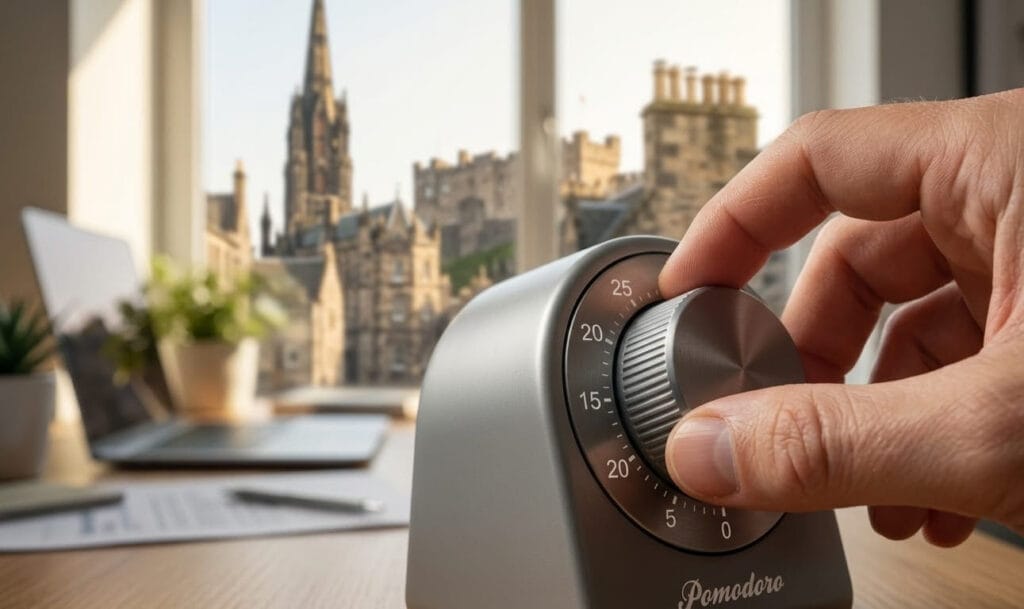
| Physical timer | You want timed work periods without opening the phone | Does not block websites or messages |
| App or website blocker | You repeatedly open the same distracting services | Easy to bypass unless the rule is clear |
| Minimal phone launcher | Visual app icons trigger automatic opening | May reduce convenience for useful apps |
| Separate alarm clock | The phone repeatedly stays in bed overnight | Requires another object and power source |
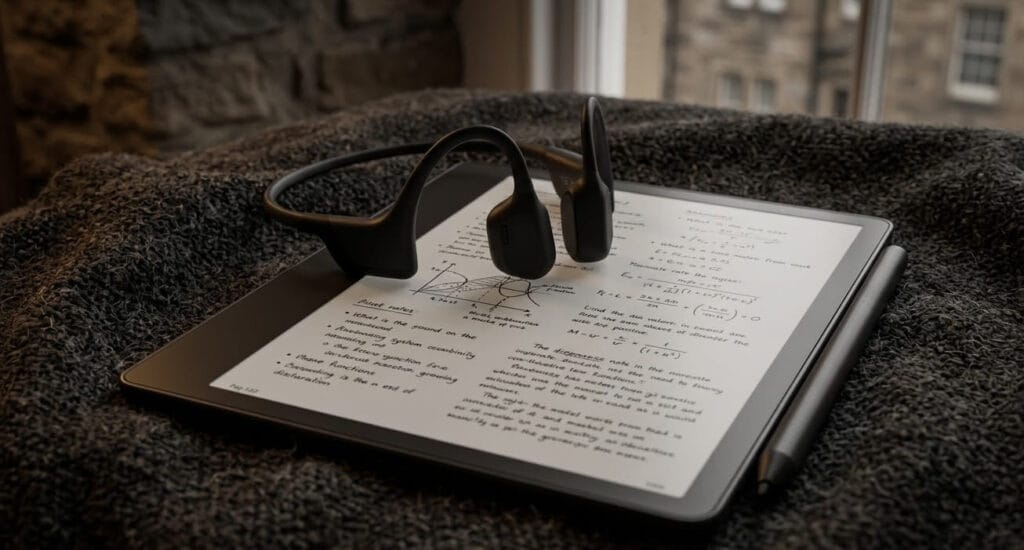
| E-reader | You want digital books without a full browser or social apps | Still another device and may include optional lighting or online features |
| Open-ear or noise-reducing headphones | Audio helps create a consistent work cue | Comfort and sound needs vary; neither style guarantees focus |
| Phone lockbox | Physical distance is more effective than app limits | Can block access during genuine urgent needs |
For physical products that add friction or reduce access to distracting devices, read our digital detox tools for focus buyer guide.
For products aimed at improving the physical workspace rather than phone habits, compare our practical smart desk gadgets.
What Should You Avoid?
Digital mindfulness should make technology easier to manage. It should not become another rigid optimisation project.
| What to avoid | Why it is unhelpful | Better approach |
|---|---|---|
| Extreme “dopamine detox” claims | Dopamine is not a toxin that can be removed by avoiding a phone for one day | Reduce specific triggers and unwanted habits |
| Buying several focus gadgets at once | Adds expense and another layer of setup | Test one free environmental change first |
| Blocking every communication channel | May create work, family, or safety problems | Allow selected contacts and genuine urgent alerts |
| Using screen-time totals as a moral score | Does not distinguish useful activity from automatic browsing | Review purpose, timing, and consequences |
| Replacing one feed with another | Changes the platform without changing the habit | Prepare a non-feed alternative |
| Devices promising to repair focus or regulate the nervous system | Ordinary audio, vibration, light, or timers are often surrounded by unsupported claims | Judge products on verified features and routine fit |
A Simple 7-Day Digital Mindfulness Plan
This plan requires no new products.
- Day 1: Notice the three situations that trigger the most automatic checking.
- Day 2: Turn off non-essential notifications and icon badges.
- Day 3: Remove social, shopping, news, and entertainment apps from the first home screen.
- Day 4: Create one phone-free place, such as the dining table or bedroom.
- Day 5: Set up one focus mode for work or one evening mode for reduced interruptions.
- Day 6: Choose three alternatives to automatic scrolling and keep them visible.
- Day 7: Review what worked and keep only one or two rules for the next week.
The goal is not a perfect week. It is to identify which small changes genuinely reduce unwanted use without making everyday life harder.
Who Is This Approach Best For?
Digital mindfulness may be useful if you:
- check your phone without a clear reason;
- switch between apps during difficult work;
- scroll later than intended at night;
- feel that notifications divide the day into small fragments;
- want better technology boundaries without giving up useful services;
- prefer small environmental changes over strict detox challenges.
When Is a Self-Guided Digital Reset Not Enough?
Simple habit changes may not be enough when technology use is connected with serious distress, gambling, financial harm, unsafe sexual behaviour, harassment, self-harm content, severe sleep disruption, job loss, family conflict, or an inability to stop despite repeated consequences.
In those situations, blocking tools may still be useful, but they should not be the only response. Appropriate professional, safeguarding, financial, workplace, or family support may also be needed.

What We Could Verify
- Digital notifications and interruptions can interfere with task performance and increase perceived strain.
- Modern phones and computers provide built-in focus, notification, and bedtime controls.
- Changing app placement, notification settings, and device location can add practical friction to automatic checking.
- A self-guided digital routine can begin without purchasing a dedicated device.
What We Could Not Verify
- That one screen-time limit is appropriate for every user.
- That a digital detox “resets dopamine” or repairs attention.
- That focus gadgets directly regulate the nervous system.
- That digital mindfulness treats anxiety, depression, ADHD, burnout, insomnia, or compulsive behaviour.
Final Verdict: Make Technology Easier to Choose and Easier to Stop
Digital mindfulness is not about winning a fight against every app or never becoming distracted again. It is about making digital actions more deliberate.
Begin with the environment: fewer notifications, fewer visible triggers, clearer phone-free times, and a prepared alternative to scrolling.
Use focus modes and physical tools only when they support a rule you already understand. Avoid products and programmes that turn ordinary distraction into dramatic claims about dopamine, neural damage, cortisol, or nervous system dysfunction.
MindReset recommendation: choose one moment of the day when technology regularly takes more time than intended. Change that moment first. A small rule followed consistently is more useful than an extreme detox abandoned after two days.
FAQ
What is digital mindfulness?
Digital mindfulness means noticing why and how you are using a device before acting automatically. It focuses on intentional use, fewer unnecessary triggers, and clearer boundaries rather than complete rejection of technology.
Is digital mindfulness the same as a digital detox?
No. A digital detox usually involves temporary reduction or avoidance. Digital mindfulness focuses on building sustainable habits while continuing to use useful devices and services.
What is the easiest digital mindfulness habit to start?
Turn off notifications that do not require an immediate response. Then remove the most distracting apps from the first home screen.
Should I delete social media?
Not necessarily. Start by removing notifications, moving the apps away from the first screen, logging out, or limiting access to planned times. Deletion may help when lighter boundaries repeatedly fail.
Do app blockers work?
They can add useful friction, especially for repeatedly opened websites and apps. They work best when combined with a clear rule and a prepared alternative activity.
Is a physical timer better than a phone timer?
A physical timer may help when opening the phone to set a timer repeatedly leads to unrelated apps. A phone timer is perfectly adequate when it does not trigger additional browsing.
Can digital mindfulness improve sleep?
Reducing late-night browsing, alerts, and phone access may support a more consistent wind-down routine. It is not a treatment for persistent insomnia or another sleep disorder.
Do I need to buy a digital detox device?
No. Begin with free changes to notifications, app placement, focus modes, charging location, and phone-free spaces. Consider a product only when it solves a specific problem those changes did not solve.