Table of Contents
How to stop doomscrolling
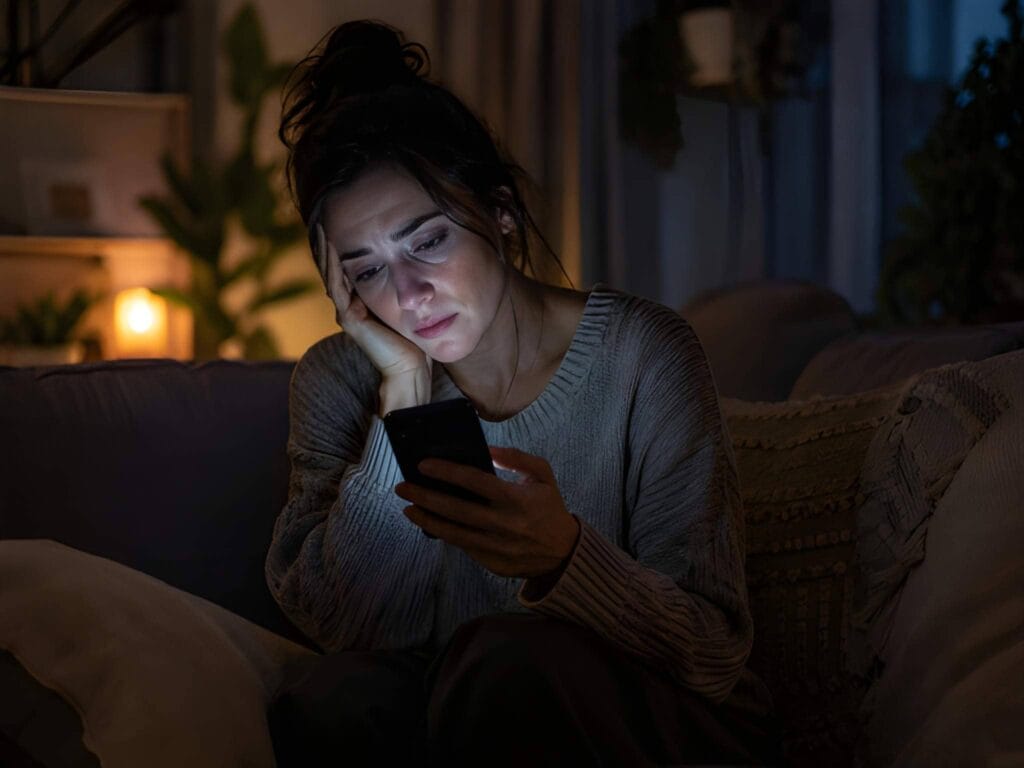
Doomscrolling is what happens when you keep scrolling through negative news, social media, conflict, crisis updates, comments, and alarming headlines even when you already feel worse.
MindReset.org may earn a commission if you buy through our links. This does not increase your price and does not affect our editorial judgment.
You open your phone for “just a minute.” Then you lose 20 minutes. Your body feels tense. Your mind feels overloaded. You know you should stop, but one more post, one more update, one more thread keeps pulling you back.
This guide is not about quitting the internet or ignoring the world. It is about rebuilding control over your attention.
You will learn how to stop doomscrolling with a practical phone detox plan, better app boundaries, evening digital shutdown rules, and simple replacement habits that work in real life. If your scrolling is part of a wider screen-exhaustion pattern, read our digital burnout recovery guide next.
Quick Verdict: What Stops Doomscrolling Fastest?
The fastest way to stop doomscrolling is to make the habit harder to start and easier to interrupt.
Start with four changes:
- Remove news and social apps from your home screen.
- Turn off non-essential notifications.
- Set a fixed news-checking window.
- Create a no-phone evening shutdown before bed.
Do not rely on willpower alone. Doomscrolling usually happens when your phone is too available, the apps are too easy to open, and your brain has no clear stopping point.
The goal is simple: fewer triggers, more friction, and a better replacement habit.
What Is Doomscrolling?
Doomscrolling is the habit of repeatedly consuming negative, stressful, or alarming online content even when it leaves you feeling worse.
It often happens through:
- news apps
- social media feeds
- short-form video apps
- comment sections
- crisis updates
- political content
- conflict-heavy threads
- financial panic content
- health scare content
- disaster-related content
The key issue is not staying informed. Staying informed is normal.
The problem starts when checking becomes compulsive, your mood drops, and the scrolling no longer helps you make better decisions.
A useful question:
Are you reading to understand what matters — or scrolling because your nervous system is looking for certainty?
If it is the second one, more scrolling usually does not create more calm.
Signs You Are Stuck in a Doomscrolling Loop
Doomscrolling is easy to justify because it feels like research, awareness, responsibility, or preparation.
But the loop has clear signs.
You may be doomscrolling if:
- you open news or social apps automatically
- you keep checking the same topic repeatedly
- you feel tense but continue scrolling
- you lose track of time
- you scroll in bed when you meant to sleep
- you feel worse after checking updates
- you keep searching for reassurance but do not feel reassured
- you jump from one bad story to another
- you feel guilty for stopping
- you tell yourself “I just need to know what’s happening”
The strongest sign is this:
The scrolling no longer gives you useful information. It only keeps your body in alert mode.
Why Doomscrolling Feels So Hard to Stop
Doomscrolling is not just a discipline failure.
It is a loop.
Something triggers you: boredom, anxiety, uncertainty, stress, conflict, loneliness, or a notification. You check your phone to reduce the discomfort. You find more alarming content. Your stress rises. Then you keep checking for more information to feel in control.
The loop looks like this:
Trigger → phone check → negative content → stress spike → more checking → more overload
That is why “just stop scrolling” is weak advice.
A better approach is to break the loop in several places:
- reduce triggers
- add friction
- set time limits
- remove phone access at night
- choose replacement actions
- create a shutdown routine
- use app blockers if needed
You do not need perfect discipline. You need a better system.

The MindReset Approach: Phone Detox Without Going Offline
A phone detox does not mean disappearing from modern life.
You can still use your phone for maps, calls, family messages, banking, work, weather, and useful tools.
The goal is to stop your phone from becoming the default answer to every uncomfortable moment.
The MindReset approach has four parts:
- Control access.
- Control timing.
- Control triggers.
- Replace the habit.
Most people only try to control the app. That is not enough.
If your phone is beside your bed, notifications are on, news is on the home screen, and you have no evening boundary, the habit will return.
A real phone detox changes the environment around the habit.
Doomscrolling Recovery Table
| Problem | Best First Fix | Why It Helps | Skip If |
|---|---|---|---|
| Checking news all day | Use one or two fixed news windows | Stops constant uncertainty checking | You need live updates for work or safety |
| Scrolling in bed | Keep phone out of reach at night | Removes the easiest trigger | You need phone access for emergencies |
| Opening apps automatically | Move apps off the home screen | Adds friction before the habit starts | You need quick access for work |
| Notification anxiety | Turn off news and social alerts | Reduces external triggers | The alert is genuinely urgent |
| Losing time online | Use app blockers or screen limits | Adds a hard stopping point | You can already stop manually |
| Evening mental overload | Create a digital shutdown routine | Helps the day feel finished | Your schedule forces late screen use |
| Stress after reading news | Choose calm replacement actions | Gives the body another exit | You need to process a real emergency |
| Social media comparison | Log out or remove the app temporarily | Breaks automatic checking | Social media is part of your job |
Step 1: Find Your Doomscrolling Trigger
Before you change the apps, identify the trigger.
Most people do not doomscroll randomly. They doomscroll in predictable moments.
Common triggers include:
- waking up
- going to bed
- feeling bored
- feeling anxious
- waiting in line
- sitting on the sofa
- avoiding a task
- eating alone
- feeling lonely
- finishing work
- seeing a breaking news alert
- checking one message and getting pulled in
For one day, write down:
- when you doomscroll
- where you are
- which app you open first
- how you feel before scrolling
- how you feel after scrolling
- what you were avoiding or looking for
You are not doing this to judge yourself.
You are finding the weak point in the loop.
Step 2: Remove Doomscrolling Apps From Your Home Screen
Your home screen should not be a trap.
If news apps, social apps, short video apps, and conflict-heavy platforms are one thumb tap away, you will open them automatically.
Move the worst apps:
- off the home screen
- into a folder
- onto the last screen
- behind a search step
- or delete them temporarily
Do not underestimate this.
Friction works because doomscrolling often starts before conscious choice.
The goal is not to make access impossible. The goal is to create a pause.
That pause gives you a chance to ask:
Do I actually want to open this?
Step 3: Turn Off News and Social Notifications
Notifications are external triggers. They pull you into the loop before you have chosen to enter it.
Turn off notifications for:
- breaking news
- social media likes
- comments
- trending topics
- suggested videos
- recommendation apps
- political alerts
- creator drama
- shopping alerts
- non-essential group chats
Keep notifications for:
- family
- close friends
- calendar events
- banking and security alerts
- medical appointments
- urgent work channels if required
If something is truly important, you can check it during a planned window.
Not every update deserves access to your nervous system.

Step 4: Set a Fixed News-Checking Window
The goal is not to become uninformed. The goal is to stop checking constantly.
Choose one or two planned news windows per day.
Example:
- 12:30 pm: 10 minutes
- 6:00 pm: 10 minutes
Rules:
- no news before breakfast
- no news in bed
- no news during work focus blocks
- no news during meals
- no news in the last hour before sleep
Use a timer.
When the timer ends, stop.
If you are worried you will miss something important, choose one reliable source and one fixed time. That is enough for most non-emergency situations.
More checking does not always mean better awareness.
Sometimes it only means more stress.
Step 5: Use App Blockers When Willpower Is Not Enough
App blockers are useful when your phone habit has become too automatic.
They are not a personal failure. They are environmental design.
An app blocker can help you:
- block social apps after a time limit
- stop news apps at night
- lock distracting websites during work
- block short-form video apps
- add a delay before opening apps
- create scheduled phone-free blocks
Useful app blocker rules:
| Rule | Good For |
|---|---|
| Block news apps after 7 pm | Evening shutdown |
| Limit social apps to 20 minutes | Reducing passive scrolling |
| Block short video apps during work | Protecting focus |
| Add a 10-second delay before opening apps | Interrupting automatic checking |
| Lock distracting apps during meals | Rebuilding offline presence |
| Block apps in the first 30 minutes after waking | Better morning control |
The best app blocker is the one you will actually keep using.
Do not overbuild the system. Start with one rule that targets your worst habit.
Step 6: Create a 10-Minute Replacement List
Stopping doomscrolling creates a gap.
If you do not fill that gap, your brain will return to the old habit.
Create a replacement list before you need it.
When you want to doomscroll, choose one of these instead:
- make tea
- drink water
- step outside
- stretch for two minutes
- tidy one small surface
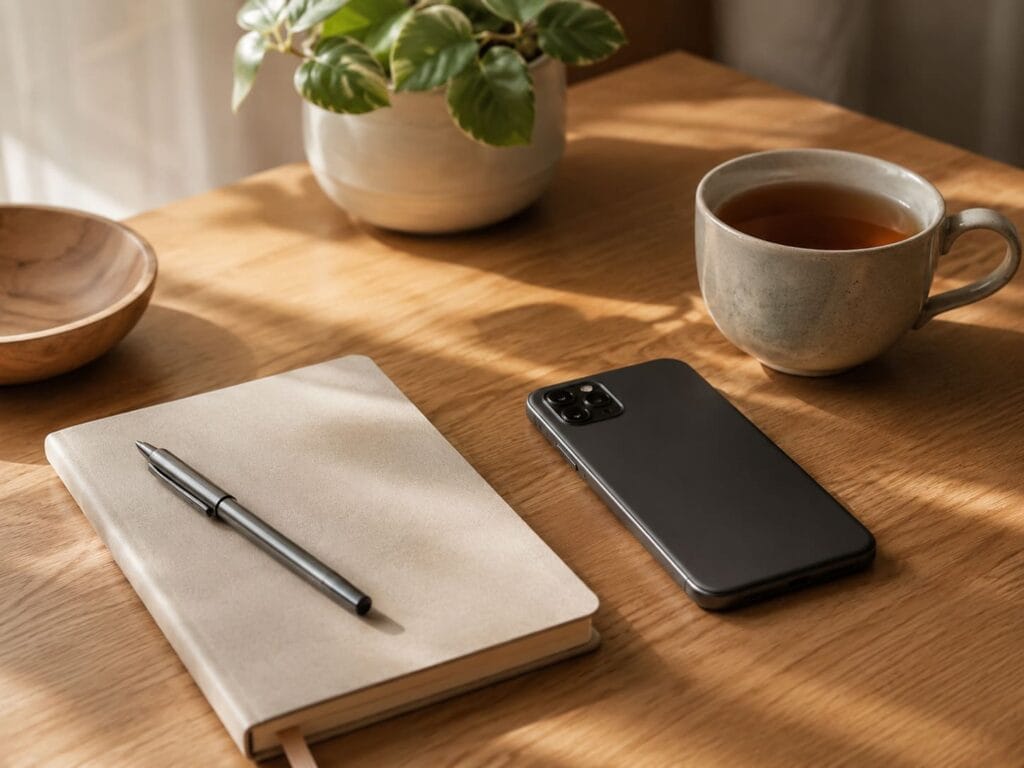
- write three lines in a notebook
- read two pages of a physical book
- text one real person
- take five slow breaths
- walk around the room
- prepare tomorrow’s clothes
- listen to one calm song
- sit by a window without your phone
The replacement must be easy.
If it is too complicated, you will not do it.
The first goal is not deep transformation. The first goal is breaking the automatic scroll.
A paper notebook can be one of the simplest replacements for doomscrolling. Instead of opening your phone to “check something,” write down what you wanted to check, what you are worried about, or what you need to do tomorrow. If you want a reusable analog option, read our Careox notebook review to see whether it fits your phone detox routine.
Step 7: Build an Evening Digital Shutdown
Evening doomscrolling is especially damaging because it steals the transition between the day and sleep.
It often begins with a small excuse:
“I’ll just check what happened.”
Then the body gets activated, the mind starts processing more problems, and the night loses its quiet edge.
Create a simple evening digital shutdown.
60 minutes before bed
- stop news
- stop social media
- stop work messages
- dim screens if you still need them
- charge your phone away from the bed
- prepare tomorrow’s basics
30 minutes before bed
Choose one offline activity:
- read
- stretch
- journal
- pray
- shower
- fold clothes
- prepare tea
- listen to calm audio
- sit with low light
Last 10 minutes
Use a simple reset:
- relax your jaw
- drop your shoulders
- breathe out slowly
- let the phone stay away
- do not solve tomorrow tonight
The evening shutdown should feel boring in the best way.
Boring is not the enemy.
Boring is often the doorway back to rest.
Step 8: Keep Your Phone Out of Bed
This is the strongest rule in the whole guide.
Do not sleep with your phone within easy reach.
If your phone is beside your pillow, doomscrolling has already won the environment.
Use one of these setups:
- phone charging across the room
- phone charging outside the bedroom
- analog alarm clock
- bedtime mode after a fixed hour
- emergency contacts allowed through do-not-disturb
- no social or news apps after the shutdown time
If you need your phone for emergencies, use do-not-disturb settings that allow only important contacts.
The point is not to be unreachable.
The point is to stop your bed from becoming a news desk.
Step 9: Use the “One Screen, One Purpose” Rule
Doomscrolling often starts because one screen becomes everything.
Your phone becomes:
- alarm clock
- news feed
- entertainment
- work device
- social life
- shopping mall
- stress trigger
- bedtime companion
Use the one screen, one purpose rule.
When you pick up your phone, name the purpose first.
Examples:
- “I am checking one message.”
- “I am setting an alarm.”
- “I am reading one article.”
- “I am checking the weather.”
- “I am replying to my wife.”
- “I am using maps.”
Then stop when the purpose is complete.
This rule sounds simple, but it rebuilds intentional use.
You are teaching your brain that the phone is a tool, not a tunnel.
Step 10: Create a “Bad News Boundary”
Some people need to stay informed because of family, work, money, health, politics, or world events.
That is understandable.
But you still need a boundary.
Try this:
- choose one or two reliable sources
- avoid comment sections
- avoid rage-based accounts
- avoid endless live feeds unless necessary
- do not check the same topic every few minutes
- read summaries instead of scrolling feeds
- decide what action, if any, you can take
The final question matters:
Can I do anything useful with this information right now?
If yes, take the action.
If no, close the loop.
Awareness without action can easily become anxiety fuel.
Step 11: Try a 7-Day Doomscrolling Reset
Use this as a practical one-week plan.
Day 1: Remove the trigger
Move news, social, and short video apps off your home screen.
Day 2: Kill the alerts
Turn off news alerts, social notifications, trending alerts, and non-essential group chat pings.
Day 3: Set news windows
Choose one or two fixed times to check updates. Use a timer.
Day 4: Block the evening loop
Set app blockers or screen limits for news and social apps after 7 pm or one hour before bed.
Day 5: Keep phone out of bed
Charge your phone across the room or outside the bedroom.
Day 6: Replace the habit
Use a 10-minute replacement: walk, tea, notebook, book, stretch, breathing, or a short reset routine.
Day 7: Review and simplify
Ask:
- Which app pulls me in fastest?
- Which time of day is worst?
- Which rule helped most?
- Which rule was unrealistic?
- What should stay next week?
Keep the simplest rule that gave you the biggest improvement.

What Should You Buy to Stop Doomscrolling?
You do not need to buy anything to start.
Start with free settings:
- remove apps from home screen
- turn off notifications
- use screen time limits
- use bedtime mode
- use do-not-disturb
- keep your phone away from bed
- use fixed news windows
Optional tools can help if they support a real boundary.
| Tool | Useful For | Skip If |
|---|---|---|
| App blocker | Stopping automatic app use | You can already control limits manually |
| Analog alarm clock | Keeping phone out of bed | You need your phone nearby for urgent reasons |
| Paper notebook | Replacing late-night notes and worries | You prefer digital planning |
| Physical book | Replacing bedtime scrolling | You dislike reading before sleep |
| Simple kitchen timer | Limiting news windows | You already use phone timers well |
| Blue-light blocking glasses | Evening screen work | You rarely use screens at night |
| Phone lockbox | Strong phone-free blocks | You only need mild boundaries |
MindReset rule:
Buy tools only when they make the habit easier.
Do not buy gadgets to avoid making a decision about your phone. For a broader setup, read our guide to digital detox tools and analog recovery before buying another app or gadget.
Best App Blocker Setup for Doomscrolling
If you use an app blocker, do not block everything at once.
That usually fails.
Start with one of these setups:
Beginner setup
- block news apps after 8 pm
- limit social media to 30 minutes
- allow messaging apps
- allow maps, banking, calendar, and calls
Evening shutdown setup
- block news and social apps one hour before bed
- allow music, alarm, emergency contacts, and calendar
- use do-not-disturb
- charge phone away from bed
Work focus setup
- block social media during work blocks
- block short-form video apps until lunch
- allow work tools and essential messages
- use two scheduled check-in windows
Strong reset setup
- delete the worst app for 7 days
- block the website version too
- use an analog alarm clock
- no phone in bedroom
- one fixed news window per day
The strong reset is not for everyone. Use it if the softer version keeps failing.
Who This Guide Is For
This guide is for you if:
- you keep checking bad news
- you lose time in social feeds
- you scroll in bed
- you feel worse after using your phone
- you want to stay informed without feeling consumed
- you need better evening boundaries
- you want practical phone detox steps
- you are considering app blockers but do not know where to start
This is a support guide, not a medical plan. If your main issue is scattered attention durin
Who Should Not Rely on This Guide Alone
Doomscrolling can overlap with stress, anxiety, low mood, trauma exposure, loneliness, insomnia, or work burnout.
If your scrolling feels impossible to control, seriously affects your sleep or relationships, or connects with severe anxiety, depression symptoms, panic, self-harm thoughts, or substance use, speak with a qualified professional.
Phone boundaries can help your routine, but they are not a replacement for professional care.
What We Could Verify
For most people, the safest first steps are behaviour-based:
- reduce notifications
- create fixed checking windows
- remove apps from the home screen
- use app blockers if needed
- keep the phone out of bed
- avoid news before sleep
- replace scrolling with offline actions
- use a short evening shutdown routine
These are low-cost, low-risk changes that can reduce exposure to the loop.
What We Could Not Verify
We cannot verify that one specific app blocker, detox method, device, or routine will stop doomscrolling for every reader.
We also cannot verify:
- how quickly your scrolling will reduce
- whether your mood will change in a specific number of days
- whether your doomscrolling is mainly stress, habit, boredom, or anxiety
- whether a paid app blocker is better than your phone’s built-in settings
- whether your sleep problems need professional support
Use this guide as a practical reset, not a diagnosis.
Final Verdict: Do Not Fight Doomscrolling With Willpower Alone
Doomscrolling is not just a weak willpower problem.
It is a system problem.
If the phone is beside your bed, notifications are on, news apps are easy to open, and you have no shutdown routine, the habit will keep returning.
Start here:
- remove the worst apps from your home screen
- turn off news and social notifications
- set one or two news windows
- block evening scrolling
- keep your phone away from bed
- replace scrolling with one offline habit
You do not need to ignore reality.
You need to stop letting every crisis, comment, headline, and feed occupy your nervous system all night.
CTA: Get the Free Digital Detox Evening Routine Checklist
Want a simple way to stop night scrolling without overthinking it?
Download the free Digital Detox Evening Routine Checklist and use it tonight:
- what to turn off
- what to move
- what to block
- what to do instead
- how to protect the last hour before sleep
Start with one evening. Then repeat what works.
FAQ
What is doomscrolling?
Doomscrolling is the habit of repeatedly consuming negative or stressful online content, usually through news or social media, even when it makes you feel worse.
Why do I keep doomscrolling?
Doomscrolling often comes from uncertainty, stress, boredom, fear, or the urge to feel more informed. The problem is that more scrolling often increases overload instead of creating real control.
What is the fastest way to stop doomscrolling?
The fastest first step is to remove triggers. Move news and social apps off your home screen, turn off notifications, and set one fixed news-checking window.
Should I delete social media to stop doomscrolling?
Not always. Start with friction first: remove apps from your home screen, log out, set app limits, and block use at night. Delete the app temporarily if softer limits keep failing.
Are app blockers worth it?
App blockers can be worth it if your scrolling is automatic. They work best when used for one clear rule, such as blocking news and social apps one hour before bed.
How do I stop doomscrolling before bed?
Create an evening digital shutdown. Stop news and social media 60 minutes before bed, charge your phone away from the bed, and replace scrolling with reading, stretching, journaling, prayer, or a short calming routine.
Is doomscrolling bad for sleep?
Doomscrolling before bed can keep your mind active and emotionally charged. If you struggle to wind down, removing news and social feeds from the last hour of the day is a practical first step.
What should I do instead of doomscrolling?
Choose a simple replacement: walk, tea, notebook, physical book, stretching, tidying one surface, breathing, or texting one real person. Keep it easy enough to do when your willpower is low.
Can I stay informed without doomscrolling?
Yes. Use one or two fixed news windows, choose reliable sources, avoid comment sections, and ask whether the information helps you take useful action.
What is a good 7-day phone detox rule?
For 7 days, keep news and social apps off your home screen, turn off notifications, block them one hour before bed, and charge your phone away from your bed.